
The Ultimate WordPress Video Player Plugin
Take your videos to the next level with our Presto Player built to empower anyone who wants to use video on their website.
Multiple Video Sources
Sleek Audio Player
Sticky Video Player
Video Chapter Support
Analytics & Reports
Email Optin Gate
View Pricing
0
K+
Users
0
Founded
0
+
Features Updated
The Cutting-Edge Video Player Plugin Made Especially for You!
Presto Player comes with everything you need to make the most out of video.
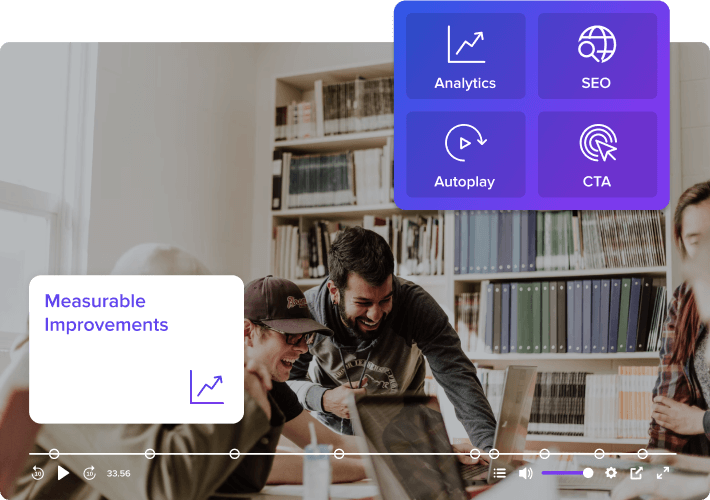
Enthusiastic Marketers
Engage visitors with video, add a call to action, spice it up with an overlay image and track its performance with ease.
- Show multiple calls to action to get the users’ attention
- Integrate Google Analytics and track video performance
- Generate leads via videos to grow email marketing lists
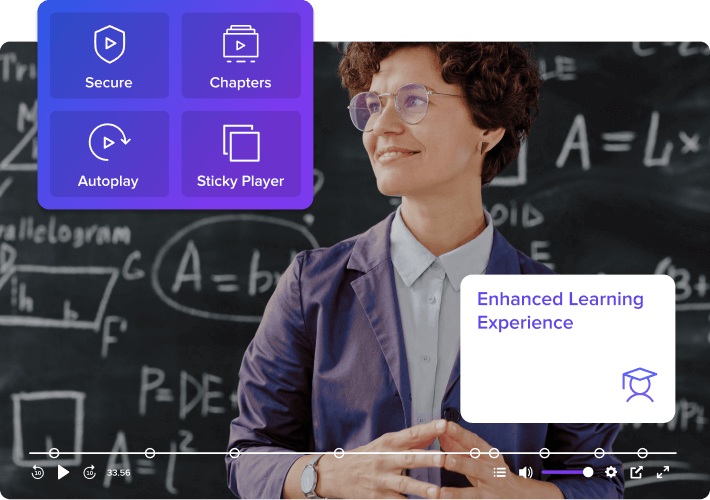
Course Creators
Give your students an exceptional learning experience with adjustable playback speed, custom chapter markings, picture in a picture, 10-second skip, and more.
- Let students easily navigate between chapters
- Secure your courses through members-only videos
- Create custom layouts to brand your video courses
For All Podcasters
Share your content with the world using an audio player built for podcasters and content creators.
- Add an audio player to pages and posts
- Present podcast episodes on your website
- Set up members-only audio for select audience members.

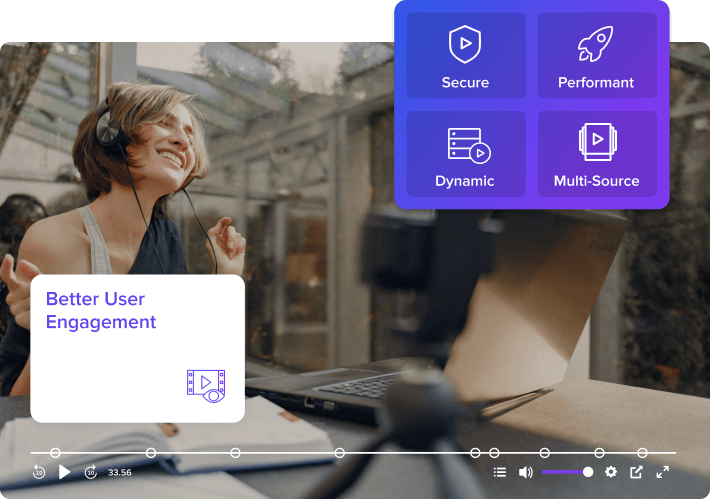
Anyone Using Video on Website!
Make the most out of the visual content on your website by embedding videos that convert more visitors into leads or customers.
- Works with all popular video hosting providers
- See improved page load speed and website performance
- Secure video content with private videos and dynamic URLs
Simple Yet Powerful WordPress Video Player
Lead Capture
Capture leads with mandatory or optional forms that pop up at the right time.
Muted Autoplay
Capture visitors attention and make your videos irresistible with muted autoplay.
Integrations
Connect your favorite LMS and email marketing platforms to automate marketing processes.
Add CTA
Display calls to action in your videos and take the viewers to the next step
Multiple Sources
Serve videos from the fastest and most affordable multiple video source options.
Chapter Markers
Add chapter markers to help viewers easily get to different parts of your video in a click.
Analytics & Reports
Track view time, audience retention & more with Google analytics.
Private Videos
Protect your valuable videos and choose to show them to logged users only.
Easily Configure Videos on Your WordPress websites
Set Up Presto Player in Three Steps!
Add Your Video
Upload videos to the Presto Player Media Hub or add them from sources such as YouTube, Vimeo, or Bunny.net.
Customize the Video Player
Add an overlay, enable autoplay, select a video preset, add chapters, and add CTA to customize the video.
Add It to Your Page
Use the ready page builder blocks or get the shortcode from Media Hub to embed the player into posts and pages.
★★★★★ 5/5
Don’t Just Take Our Word For It!

I love the seamless integration with BunnyNet!
I don’t like YouTube because of the ads and Vimeo is just plain awkward to navigate – so many settings, etc. With Presto Player, it took me just 10 minutes to figure out the interface and I love the seamless integration with BunnyNet. Bought the lifetime subscription – that was a no brainer.
Jrburke
The best solution I’ve found for adding video!
Sick of slow YouTube embeds covered in YouTube branding and suggested videos? Tired of paying Vimeo and Wistia pricing? Meet your new best friend. With Presto Player, video isn’t going anywhere, and this is the best solution I’ve found for adding video to your WordPress website.
Kyle Van Deusen
Freelance Web Designer


Presto Player increased my website’s page speed by 4 seconds!
The speed of this player is unmatched. It increased my website’s page speed by 4 seconds. The clarity and performance are beautiful. It is now my go-to player for all my clients.
Dave Stevens
Course Creator
Watch Presto Player in Action!
See how easy it is to start using Presto Player on your website…
- Fast and easy setup with a user-friendly interface.
- Upload, customize and embed without coding skills.
- Several customization options to enhance your videos.
In-depth Integrations and Wide Compatibility
Presto Player offers great integration and support for various tools you’ll need to embed videos, capture leads, and track performance.
- LMS & Page builder friendly
- Multiple video source support
- Integrations for email marketing
- Google Analytics integration
Frequently asked questions
Have any doubts about Presto Player? Here are some frequently asked questions that should answer most of yours.
Does Presto Player host my video files?
Presto Player supports multiple video hosting sources for your web-optimized videos. You can also self-host your video or use Bunny Stream.
Can I embed videos from YouTube and Vimeo?
Presto Player supports traditional platforms such as YouTube and Vimeo. In fact, you can use any video host that gives you a public link to the video.
Will Presto Player work with my favorite page builder?
Presto Player works with all page builders. You can add a video to the Media Hub and use the provided shortcode in your page builder. Like all WordPress video player plugins, Presto Player provides native Gutenberg Blocks, Elementor widgets, Beaver Builder and Divi Builder modules.
Does Presto Player play audio files?
Presto Player comes with an audio block that plays audio files. This block comes with all the features you like about Presto Player, such as email gates, action bar, and CTA
Can I embed Private videos using Presto Player?
Presto Player offers both public and private video options.
Private videos are only accessible when a user is logged into your website. In addition, Presto Player will use dynamic expiring links to your private videos. In cases where someone may want to dig through the HTML on your web page to try and find the URL, this won’t work.
Lastly, we also have the dynamic overlay feature, which optionally enables you to show the logged-in users’ details as a watermark overlay to discourage screen recording. This is something only possible with Presto Player because it’s deeply integrated with WordPress.
Does Presto Player work with LearnDash’s video progression?
Yes, it most certainly does! And just like everything else we do, it’s very easy to use. Head over to our integrations page to see all LMS integration options.